



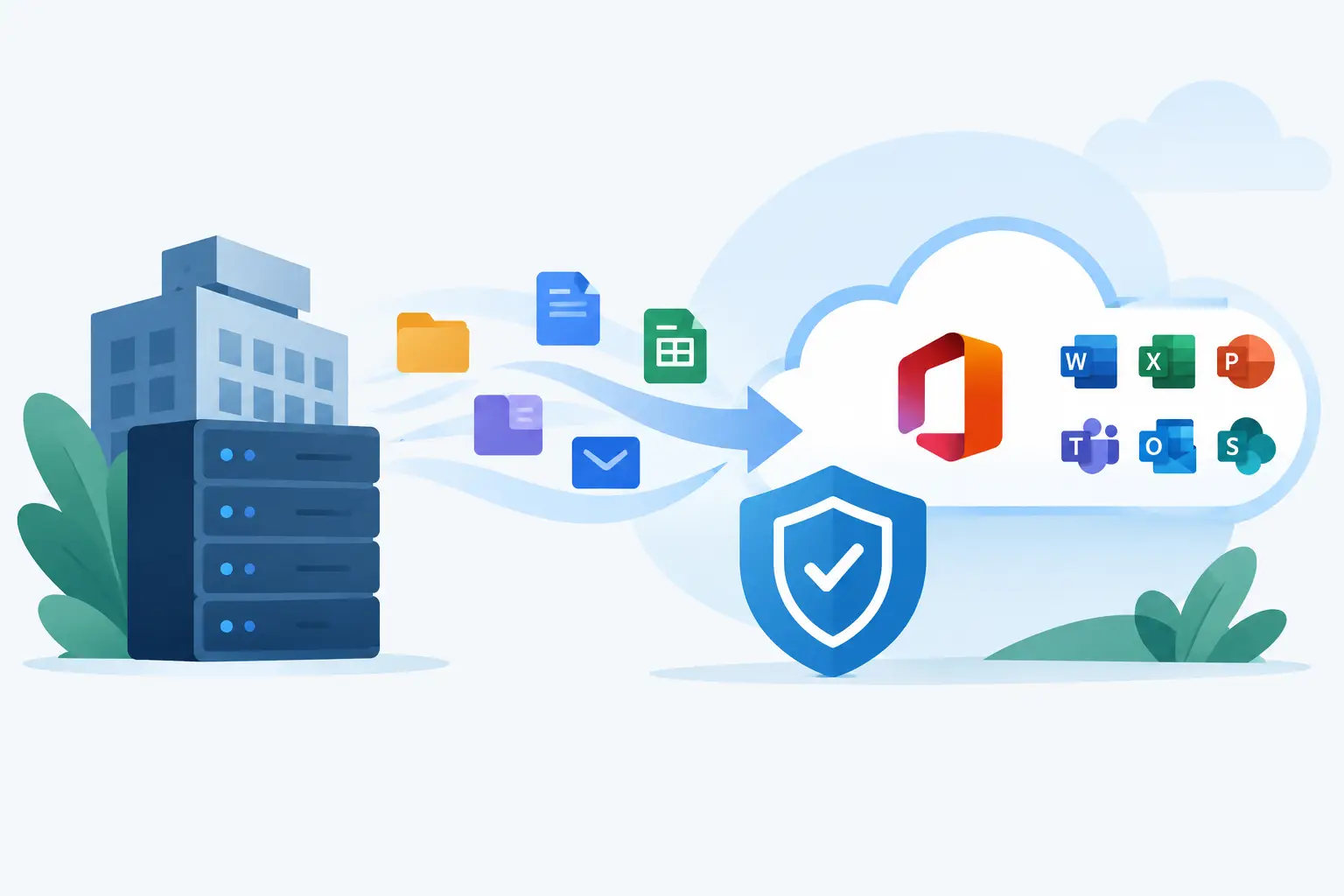
Microsoft 365 Migration Services That Reduce Risk
A Microsoft 365 move can look straightforward on a project plan: copy the data, create the accounts and ask everyone to sign in again. The reality is more demanding. Email archives contain sensitive information, Teams has become part of daily operations, and one missed setting can leave a member of staff unable to work when they need it most. Effective Microsoft 365 migration services protect the information, people and processes that keep your organisation moving.
For a business, school or multi-academy trust, the goal is not simply to reach the cloud. It is to arrive with the right security controls, clear ownership and minimal interruption for staff and learners.
Why Microsoft 365 migrations need more than data transfer
A migration is often triggered by a change that feels urgent. Perhaps an ageing on-premises server is becoming expensive to support, your current provider is no longer meeting expectations, or you have acquired another organisation and need everyone working from one tenant. Schools may be moving away from fragmented accounts, while internal IT teams may need extra delivery capacity for a complex consolidation.
The technical work matters, but it is only one part of the job. Mailboxes, contacts, calendars, OneDrive files, SharePoint sites, Teams channels and permissions all need to be understood before anything is moved. So do the less obvious dependencies: scanners that send email, line-of-business applications using SMTP, shared mailboxes, distribution lists, domain records and devices already signed into Microsoft services.
Treating these details as an afterthought creates avoidable disruption. A carefully planned migration gives leaders confidence that staff can continue to communicate, access documents and serve customers or pupils while the work takes place.
What good Microsoft 365 migration services include
The right scope depends on where you are starting from and what needs to change. Moving from an older Microsoft tenant, Google Workspace, on-premises Exchange or a mixture of systems each brings different risks. A small organisation may need a focused weekend cutover; a larger business or academy trust may need a phased approach, with pilot groups and clear migration waves.
Discovery before the move
A proper discovery phase establishes what is in use, who owns it and what should not be carried forward. This is a chance to identify inactive accounts, duplicate data, outdated shared folders and overly broad permissions. It also reveals technical constraints, such as very large mailboxes, unsupported file names or applications that rely on the current email environment.
This work should include conversations with people outside IT. Finance, operations, HR, facilities and school administration teams often know which shared inboxes, forms or folders are essential on a busy day. Their input prevents a technically successful project becoming an operational problem.
A migration plan people can understand
A migration plan should set out what moves, when it moves, what users need to do and who will help if something goes wrong. The best plans include a pilot group that represents real working patterns, not just technically confident users. Their feedback can expose problems with mobile access, shared calendars or permissions before the wider rollout.
Communication is equally important. Staff do not need pages of technical jargon, but they do need timely instructions in plain English. Tell them when they may need to sign in again, how to set up their mobile phone, where to find their files and how to get support. A calm, well-prepared message can prevent a flood of calls on go-live morning.
Security built into the project
Moving to Microsoft 365 without improving its security settings is a missed opportunity. Every tenant should be configured around the organisation’s risk profile, with strong identity controls at its core. Multi-factor authentication, conditional access policies, secure administrator accounts and appropriate device management are common priorities.
The balance matters. A school with shared devices, a business with field-based staff and an organisation handling highly sensitive data will not have identical requirements. Security controls should protect people without making everyday work unnecessarily difficult.
A specialist migration can also address email protection, anti-phishing policies, external sharing rules, audit logging, retention requirements and geographic sign-in controls. These settings need testing, documentation and continuing review. Cyber threats change, staff roles change and Microsoft licensing features evolve.
Careful cutover and aftercare
The migration date is not the end of the project. It is when the service becomes real for every user. A good delivery team monitors the cutover, checks mail flow and sign-in activity, resolves priority issues quickly and remains available for the questions that only emerge when people return to work.
Aftercare should include validation that data arrived as expected, devices are correctly connected and old services can be safely retired. It should also cover handover documentation, so internal IT teams are not left guessing how decisions were made or where important settings sit.
The choices that affect disruption
There is no single best migration method. A cutover migration moves everyone in a short, defined window. It can work well for smaller environments or when a clean break is needed, but it demands excellent preparation and readily available support.
A staged migration moves groups over time. This reduces the pressure on one go-live date and allows lessons from early groups to improve later waves. However, it can mean a period where users work across two systems, which needs careful management.
For a tenant-to-tenant migration, complexity increases. Identity matching, Teams content, SharePoint permissions and OneDrive ownership require particular attention. Some data types may need specialist tooling or a different sequence from email. It is sensible to be cautious of anyone promising that every item can be transferred instantly and without compromise. The right answer is an honest data assessment and a plan that makes trade-offs visible before the project starts.
Common migration risks and how to avoid them
The most expensive migration problems are usually predictable. They occur when organisations underestimate the data, delay security decisions or fail to involve the people who use key systems.
Four areas deserve early attention:
- Permissions and ownership: Files can migrate successfully yet remain inaccessible because SharePoint permissions or OneDrive ownership were not mapped correctly.
- Email dependencies: Printers, websites, CRM platforms and monitoring tools may stop sending messages if authenticated relay and SMTP settings are not reviewed.
- Licensing: The right Microsoft 365 licence is not just about cost. It determines which security, compliance, device management and collaboration capabilities are available.
- User adoption: Staff need practical support with new sign-in prompts, Teams, OneDrive sync and mobile devices, especially if they have not used cloud tools regularly.
Testing addresses much of this risk. Test representative mailboxes, sensitive shared folders, key applications, off-site access and recovery arrangements. Do not assume a successful test for one senior user proves the experience will work for everyone.
Choosing a migration partner
A provider should be able to explain the project without hiding behind technical language, while still being precise about the work involved. Ask who will manage the project day to day, how security will be handled, what is included in user support and what happens if an issue occurs outside normal working hours.
It is also worth asking how they will work with your existing IT team. Co-managed arrangements can be particularly effective when internal staff understand the environment but need additional hands, specialist migration experience or Level 3 escalation during a high-pressure change.
At Breathe Technology, migration work is approached as part of the wider service, not as an isolated data move. That means considering support, cyber security, devices, connectivity and long-term ownership alongside the immediate project. A dedicated technical team can make a significant difference when an urgent question needs an answer from someone who already understands your organisation.
Make the move a stronger starting point
The best time to agree standards for account security, shared data, device access and staff onboarding is before the new environment becomes business as usual. A Microsoft 365 migration should leave you with fewer unknowns, clearer accountability and a service your people can rely on.
If the move is being driven by pressure, pause long enough to ask what “good” looks like six months after go-live. That question keeps the project focused on safer day-to-day working, rather than simply getting data from one place to another.