



How to Prevent Email Spoofing in Your Organisation
A finance colleague receives an email that appears to come from the chief executive, asking for an urgent supplier payment. The name is right. The signature looks familiar. The request arrives at the busiest point of the day. That is exactly the pressure email spoofing relies on.
Knowing how to prevent email spoofing is not simply a task for the IT team. It protects payroll, supplier payments, staff data, parent communications and your organisation’s reputation. For businesses, schools and charities, a convincing fraudulent email can quickly become an operational problem that consumes time, trust and money.
What email spoofing actually looks like
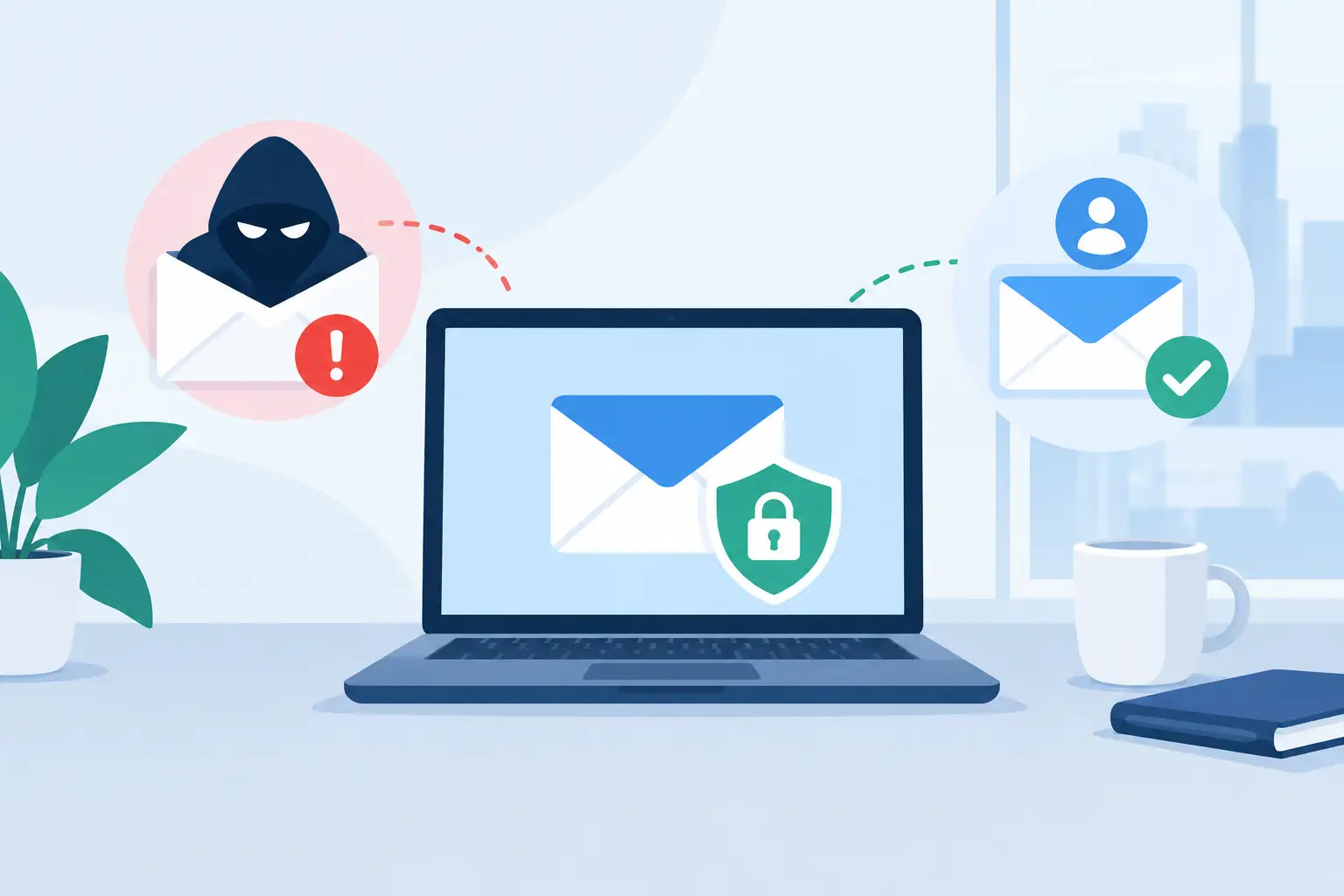
Email spoofing is when a criminal makes a message appear to come from a trusted sender. They may copy the display name of a colleague, forge the address shown to the recipient, or register a lookalike domain such as ‘breathe-technologies.co.uk‘ rather than the genuine domain.
The attacker does not always need to compromise a real mailbox. In many cases, they are exploiting the fact that email was not originally designed to prove that the visible sender is genuine. A message can claim to be from your domain unless receiving systems have a way to check that claim.
Spoofing is often used as part of business email compromise, invoice fraud, payroll diversion or phishing. A school might receive a message apparently from a senior leader requesting a change to bank details. A business may receive a forged supplier invoice. An IT manager may see a fake Microsoft 365 alert designed to capture their password.
The technical controls matter, but so does context. A well-configured domain can stop many forged messages before they reach an inbox. It cannot, by itself, prevent a criminal from impersonating a supplier or sending an email from a newly registered lookalike domain.
How to prevent email spoofing with domain authentication
The core technical defence is email authentication. SPF, DKIM and DMARC work together to help receiving mail systems decide whether a message sent in your organisation’s name is legitimate. These records are published in DNS, the public directory that helps the internet route traffic to the right place.
Start with an accurate SPF record
Sender Policy Framework, or SPF, states which mail servers and services are permitted to send email for your domain. For example, it may authorise Microsoft 365, a marketing platform, a helpdesk system or an application that sends invoices.
An SPF record only works when it reflects reality. The common mistake is to set it up for Microsoft 365 and forget about other systems sending mail on the organisation’s behalf. This can cause legitimate communications to fail authentication, particularly automated messages from printers, websites, safeguarding systems, CRM platforms or school management software.
Take an inventory before making changes. Identify every platform that sends as your domain, confirm how it sends email and remove services that are no longer in use. SPF also has technical lookup limits, so a record that grows through years of ad hoc additions needs careful management rather than more entries added blindly.
Enable DKIM signing
DomainKeys Identified Mail, or DKIM, adds a cryptographic signature to outgoing messages. The recipient’s mail service checks the signature against a public key held in your DNS records. If the message has been altered in transit, or was not sent by an approved system, the check can fail.
For most organisations using Microsoft 365, enabling DKIM for each active sending domain is a practical and high-value step. It gives receiving systems stronger evidence that your legitimate mail is legitimate. It also supports the next control: DMARC.
DKIM should cover more than the main corporate domain where possible. Review domains used for campaigns, admissions, fundraising or separate trading names. If they are recognised by customers or parents, they can be targeted too.
Use DMARC to tell recipients what to do
Domain-based Message Authentication, Reporting and Conformance, or DMARC, checks whether SPF or DKIM passes and aligns with the domain visible in the From address. Crucially, it lets your organisation tell receiving systems how to handle failures.
A sensible rollout begins with a monitoring policy. DMARC reports show who is sending email using your domain and whether those messages pass authentication. This can reveal forgotten systems, configuration errors and, occasionally, active spoofing attempts.
Once legitimate sources are accounted for, move towards a quarantine policy, then a reject policy. Quarantine asks recipient systems to treat failed mail as suspicious, often placing it in spam. Reject asks them not to accept it at all. Reject provides the strongest protection against direct spoofing of your domain, but moving there too quickly can block genuine messages if your sending estate has not been properly mapped.
This is why DMARC is not a set-and-forget DNS change. Reports need reviewing, sending systems need ownership and changes should be tested. A managed IT and cyber security partner can help interpret the data and make the transition without disrupting communications.
Protect the Microsoft 365 environment behind the inbox
Domain authentication reduces impersonation of your organisation. Your Microsoft 365 security settings must also reduce the chance of staff receiving or sending harmful messages.
Configure anti-phishing and anti-spam policies to detect impersonation, suspicious sending infrastructure and unsafe attachments. Pay particular attention to protection for senior leaders, finance staff, payroll teams and anyone who can authorise payments or access sensitive records. These individuals are frequent targets because their names carry authority.
Multi-factor authentication is equally vital. If an attacker obtains a password through a spoofed sign-in page, MFA can prevent that password alone from becoming access to a mailbox. Use phishing-resistant methods where appropriate, particularly for privileged accounts, and disable legacy authentication that can bypass modern controls.
Mailbox forwarding rules deserve regular checks. Criminals who gain access to an account often create hidden rules to forward messages externally, delete replies or divert finance conversations. Alerting on unusual inbox rules, impossible travel, unfamiliar sign-ins and changes to MFA details helps your team respond before the damage grows.
For organisations with internal IT teams, this is an area where clear ownership matters. Someone must be accountable for reviewing alerts, maintaining policies and escalating incidents. Security tools are only useful when there is a plan for what happens at 4.30pm on a Friday when an alert appears.
Build payment and data checks that do not depend on email
The most expensive spoofing incidents are rarely caused by one failed technical control. They happen when a convincing email is allowed to change a process with no independent verification.
Never rely on an emailed request alone to change bank details, release a payment or disclose sensitive information. Confirm the request using a known telephone number from your existing records, not the number in the email. For higher-value payments, use dual approval and a documented call-back process.
This can feel inconvenient, especially for teams under pressure to pay suppliers quickly. It is still far less disruptive than recovering a misdirected payment. The key is to make the verification process proportionate: a routine low-risk request may need one check, while new supplier details or an urgent change to payment instructions should trigger stronger scrutiny.
Education organisations should apply the same principle to parent data, HR records and safeguarding information. A request that appears to come from a trusted colleague can still be fraudulent. Staff need permission to pause and verify, without worrying that they are being unhelpful.
Give staff simple signs to act on
Training should not tell people to spot every technical clue. Attackers improve their messages constantly, and many fraudulent emails contain perfect spelling and convincing branding. Instead, teach staff to recognise situations that deserve a pause.
Urgency, secrecy, changes to bank details, unexpected credentials prompts, requests to bypass a process and emails that feel slightly out of character are all reasons to verify. Encourage staff to report suspicious messages using an agreed route, ideally with a reporting button in their email client and a clear internal escalation process.
Short, regular awareness sessions work better than an annual presentation that staff soon forget. Use examples relevant to your organisation: invoice requests for finance, fake shared-document alerts for office teams, or impersonated leadership messages for schools. Follow up with a supportive response when someone reports a suspected phish. That feedback builds the habit you want.
Monitor, test and keep ownership clear
Email spoofing prevention changes as your organisation changes. A new website, CRM, cloud telephony platform or school system may send messages from your domain. If it is added without security review, it can create authentication failures or a new route for misuse.
Review your domains, SPF, DKIM and DMARC reporting regularly. Test whether your own domain can be spoofed, assess your Microsoft 365 configuration and run realistic phishing simulations with care. The aim is not to catch people out. It is to identify weak points while they are still manageable.
At Breathe Technology, we see the best outcomes when technical controls, staff confidence and clear operational processes are treated as one security programme. That approach gives leaders clearer accountability and gives staff the confidence to act when something does not look right.
A suspicious email should never leave someone wondering what to do next. Give your people a simple route to report it, give your IT team the visibility to investigate it, and make independent verification part of the everyday decisions that protect your organisation.