



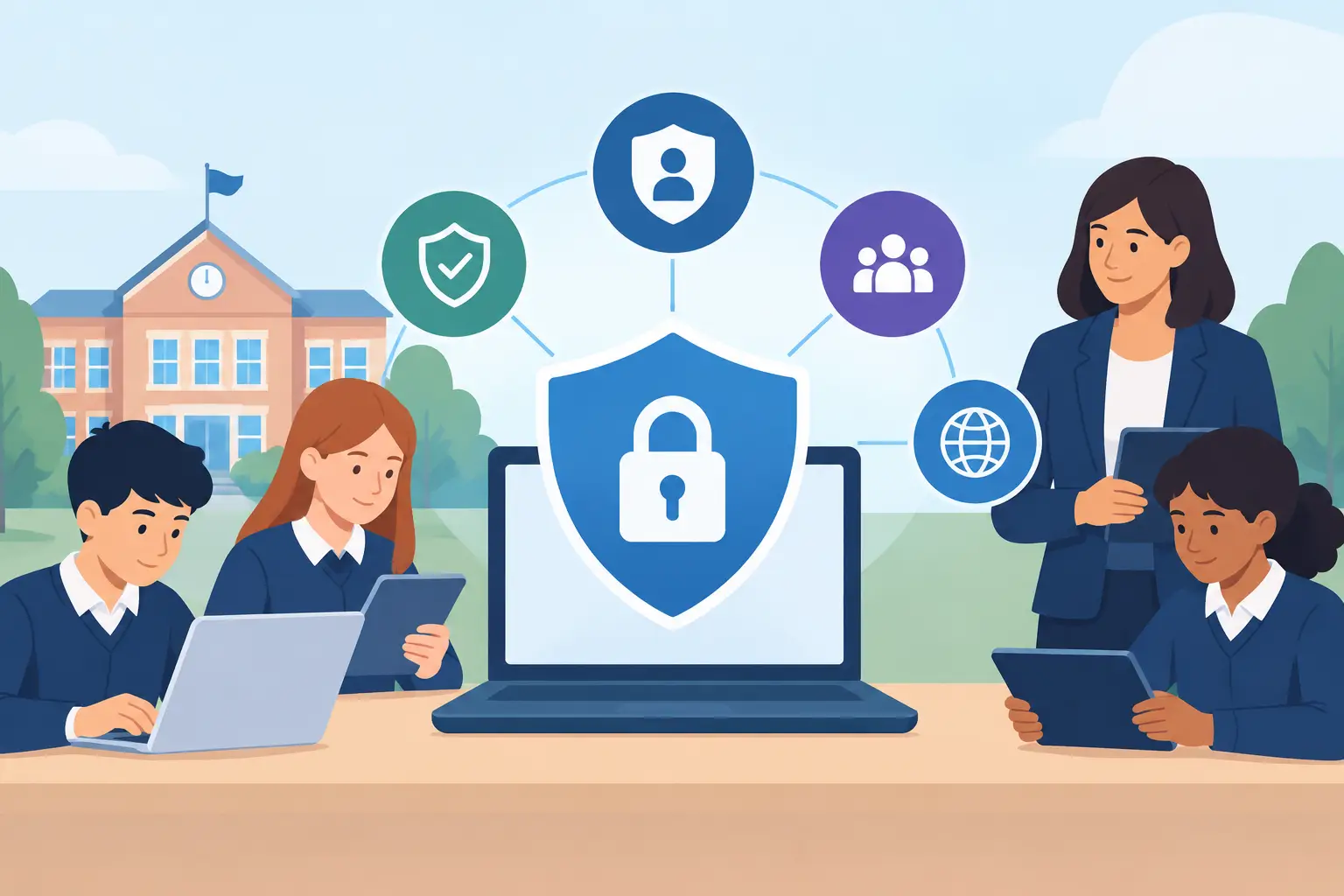
School IT Safeguarding Technology That Works
A pupil searches for help with anxiety at lunchtime. Another receives an inappropriate message through a school account. A teacher clicks a convincing phishing email during a busy parents’ evening. These are not solely IT problems, but the school’s technology can determine how quickly risks are spotted, contained and passed to the right adult.
School IT safeguarding technology should support the people responsible for pupil welfare, not create another inbox full of unexplained alerts. For school leaders, business managers and IT teams, the goal is clear: provide a safe digital environment without making teaching harder, undermining trust or treating every online action as a disciplinary issue.
Safeguarding technology is a connected system
Filtering and monitoring often receive the most attention, and rightly so. Schools need sensible controls over web access and visibility of activity that may indicate a safeguarding concern. But a safe school environment depends on more than a filter at the internet gateway.
Pupils and staff move between classroom devices, personal logins, cloud platforms, email, mobile devices and home connections. A gap in any one of those areas can weaken the whole picture. If accounts are poorly protected, a compromised teacher login may expose sensitive records. If devices are unmanaged, security settings and safeguarding controls may not be applied consistently. If backups cannot be restored, a cyber incident can disrupt learning and place safeguarding information under pressure at precisely the wrong moment.
The most effective approach connects technical controls with clear ownership. The designated safeguarding lead, senior leadership team, pastoral staff, IT provider and internal IT team should all understand what the technology does, what it cannot do and who acts when a concern is raised.
What school IT safeguarding technology should cover
Filtering that supports learning as well as protection
Filtering should prevent access to clearly harmful or inappropriate material, while allowing legitimate teaching resources to work. That balance matters. A setting designed for primary pupils will not necessarily suit a sixth form, and a blanket block can interrupt lessons, research and pastoral support.
Review blocked sites and staff requests regularly. A sudden rise in requests may reveal that a category is too restrictive, a learning platform has changed, or pupils are attempting to access content that needs a wider safeguarding response. The right filter is not simply the one that blocks the most. It is one that is well configured, reviewed and understood by staff.
Monitoring with meaningful human review
Monitoring tools can flag searches, messages or activity associated with self-harm, bullying, extremism, sexual content or other areas of concern. Used well, they help schools identify patterns that could otherwise be missed. Used badly, they generate noise, anxiety and an unrealistic expectation that software can judge context perfectly.
An alert is not a conclusion. A phrase may appear in a legitimate lesson, a news article or a pupil’s request for support. Safeguarding leads need a defined process for reviewing alerts proportionately, recording actions and escalating where appropriate. The technology should make this process faster by supplying relevant context and clear severity levels, rather than leaving staff to investigate hundreds of vague notifications.
Consider coverage carefully too. Does monitoring apply only to devices on site, or also to managed devices used at home? Are school email, collaboration platforms and cloud storage included? These questions matter more than a product name on a procurement list.
Identity, access and device management
A large share of school risk begins with an account or device that is not properly controlled. Multi-factor authentication for staff, particularly those accessing finance, safeguarding records or administrator accounts, is one of the most practical improvements a school can make. It reduces the chance that a stolen password alone will lead to a serious breach.
Role-based access is equally valuable. Staff should have access to the systems and data needed for their role, but not every system by default. Accounts must be removed promptly when a colleague leaves, changes role or a supplier no longer needs access. Shared administrator accounts may feel convenient, but they make accountability far harder when something goes wrong.
Managed devices give IT teams the ability to enforce screen locks, encryption, security updates and approved applications. They can also support a fast response when a laptop is lost or a device needs to be isolated. For schools operating a mixture of Windows, Apple and Chromebook devices, consistency matters more than forcing every user into one platform.
Secure email and collaboration platforms
Email remains a common route for fraud, malicious attachments and impersonation. A convincing message might claim to be from a headteacher, a parent or a supplier. It may target payroll details, payment information or personal data.
Effective email protection combines technical checks with staff awareness. Anti-phishing controls, attachment scanning and sensible restrictions on automatic forwarding can reduce exposure. Staff still need confidence to pause, question an unusual request and report it without embarrassment. A five-minute call to verify a changed bank detail is far less disruptive than recovering from a fraudulent payment.
Collaboration platforms also need attention. Review external sharing, guest access, file permissions and retention settings. Sensitive information should not be casually shared through an open link simply because it is quick.
Resilience when an incident happens
Safeguarding does not stop when systems fail. A ransomware attack, internet outage or fire affecting server equipment can interrupt access to pupil information, communication systems and teaching resources. Schools need a tested way to keep operating safely.
That means protected backups, clear recovery priorities and an incident plan that includes safeguarding. Which records are essential? How will staff contact families if normal platforms are unavailable? Who can authorise emergency technical decisions? What should staff do if they suspect a device or account has been compromised?
A backup that has never been tested is an assumption, not a recovery plan. Regular restore testing gives leaders evidence that the school can recover the files and systems it relies on. It also exposes hidden issues before an emergency makes them urgent.
Make the process fit the school
Technology choices should follow a short, honest assessment of risk and capacity. A small primary school with limited on-site IT resource may need a managed service that provides daily monitoring, escalation and advice to the safeguarding lead. A larger secondary school or trust may have a capable internal IT team but require specialist support for cyber security reviews, Microsoft 365 configuration or major infrastructure projects.
In both cases, avoid buying tools in isolation. Ask how the service will be configured, who checks alerts, what reporting leaders receive and how it integrates with existing devices and platforms. Also ask what happens outside term time, during an incident or when the school needs urgent support.
Privacy should be part of this conversation. Pupils deserve protection, but they also deserve a proportionate approach to monitoring and data handling. Be clear about the purpose of monitoring, limit access to sensitive information and retain records only in line with school policy and legal obligations. Consultation with safeguarding and data protection leads helps keep those decisions grounded.
A practical review for senior leaders
A useful starting point is to bring safeguarding and IT together for one focused discussion. Review whether web filtering and monitoring are current, whether alerts reach the right people, whether staff accounts use multi-factor authentication, and whether all school-owned devices are managed and updated. Then test the uncomfortable questions: could the school restore critical information after an attack, and does everyone know their role in the first hour of an incident?
This does not need to become a lengthy technical exercise. The aim is to identify the few gaps that create the greatest operational or safeguarding risk, agree an owner for each action and set review dates. A trusted IT partner can provide technical evidence and practical recommendations, while school leaders retain ownership of the safeguarding decisions.
Breathe Technology works with schools that need this blend of day-to-day support, cyber security expertise and a responsive technical team. For many schools, the greatest reassurance comes from knowing that when an alert, outage or suspected attack occurs, there is a clear route to experienced people who understand the environment.
Good safeguarding technology is quiet when lessons are running normally and decisive when a concern emerges. Give your staff clear processes, give your IT team the right controls, and give pupils the confidence that school systems are there to help keep them safe.