


Why Use Multi Factor Authentication at Work?
A convincing phishing email does not need to defeat your firewall or break into your office. It only needs one member of staff to enter their password on a fake Microsoft 365 sign-in page. That is why the question “Why use multi-factor authentication?” has a straightforward answer: a password alone is no longer enough to protect your organisation.
For businesses, schools and charities, email accounts are often the front door to finance systems, sensitive pupil or customer records, shared files and supplier conversations. When an attacker gets through that door, the result can be far more serious than one compromised inbox. Multi-factor authentication, usually shortened to MFA, adds a vital second check before access is granted.
Why use multi factor authentication?
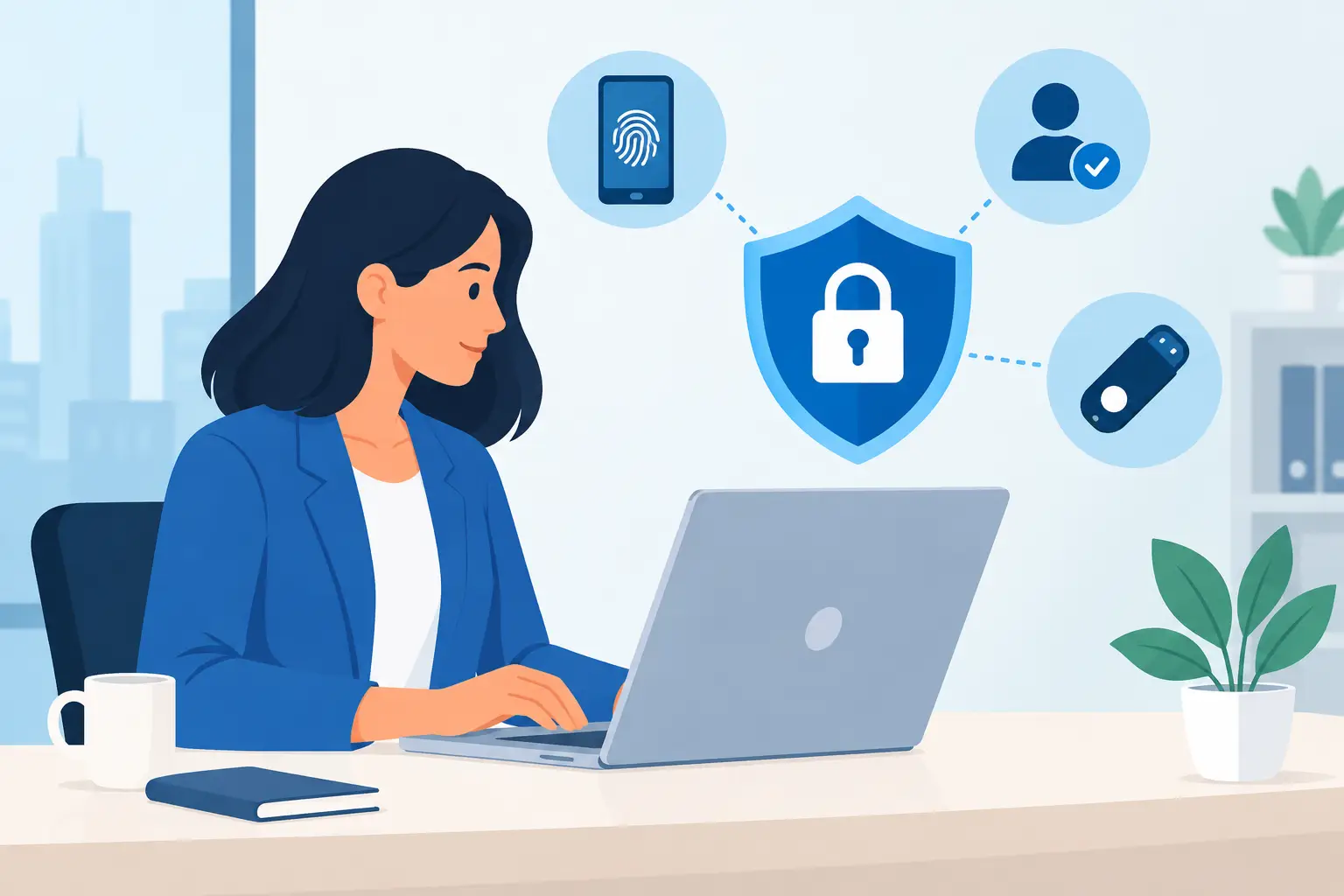
MFA requires a user to prove who they are using more than one factor. Usually, this means something they know, such as a password, plus something they have, such as an authenticator app, security key or approved device. In some cases, it can also include something they are, such as a fingerprint or facial recognition.
If a password is stolen, guessed or reused from another breached service, the attacker should still be stopped by the second factor. That matters because password theft is still one of the most common ways criminals gain access to Microsoft 365, cloud applications and remote systems.
The practical benefit is clear: MFA turns a single mistake into a recoverable event rather than a potential security incident. A member of staff might still click a suspicious link, but the criminal cannot simply sign in without completing the additional verification step.
It protects the systems staff already rely on
Most organisations now run on cloud services. Email, Teams, SharePoint, finance platforms, MIS systems, remote desktop access and password managers can all sit behind an identity account. A compromised account may give an attacker enough access to read confidential information, impersonate a senior colleague or send fraudulent payment requests from a trusted address.
For a school, that could mean exposure of safeguarding information or disruption to teaching systems. For a business, it could lead to invoice fraud, data loss or an operational standstill while accounts are investigated and restored. MFA reduces the likelihood that a stolen password becomes the starting point for that disruption.
It is particularly valuable for accounts with elevated permissions. Global administrators, finance staff, IT administrators and senior leaders are frequent targets because access to one of these accounts can affect hundreds of users. Strong MFA for privileged accounts should be a minimum requirement, not an optional extra.
It makes phishing less profitable
Phishing has changed. Attackers no longer rely solely on poorly written emails with obvious spelling mistakes. They copy supplier branding, imitate Microsoft notifications and use information gathered from public websites or previous breaches. Some even call staff while posing as IT support.
MFA does not make phishing disappear, and it does not remove the need for awareness training. It does, however, limit what a stolen password can achieve. When paired with sign-in monitoring, conditional access policies and sensible user education, it gives your organisation more chances to identify and stop an attack.
There is one important caveat. Not all MFA methods provide the same protection. SMS codes are better than passwords alone, but they can be vulnerable to SIM-swapping and social engineering. Push notifications are convenient, but repeated approval requests can lead to ‘MFA fatigue’ if a user accepts one just to stop the prompts. Number matching in an authenticator app, phishing-resistant security keys and passkeys offer stronger protection for higher-risk users.
MFA is about business continuity, not just compliance
Cyber security decisions are sometimes framed as a compliance exercise. In reality, the strongest reason to use MFA is operational resilience. A cyber incident creates pressure across the organisation: staff cannot work, leaders need answers, customers or parents need reassurance, and internal IT teams can be pulled away from every planned project.
MFA is one of the most cost-effective controls available because it tackles a common route into an organisation before the attacker can cause wider harm. It can help reduce the risk of account takeover, unauthorised forwarding rules, mailbox fraud and unauthorised access from unfamiliar locations.
For organisations with cyber insurance, MFA may also be a condition of cover or a factor in how insurers assess risk. The same is often true for supplier security questionnaires and public-sector procurement processes. But compliance should be the by-product of good security, not the sole reason for it.
Where organisations should apply MFA first
The best approach is to protect every account that can access business or school data, starting with the accounts that present the greatest risk. This normally includes Microsoft 365 and Google Workspace accounts, remote access tools, VPNs, finance applications, cloud storage, HR systems and all administrator accounts.
Shared accounts need particular attention. They make it difficult to identify who approved a sign-in or changed a setting, and they often undermine MFA adoption. Wherever possible, give each person their own account and use role-based access instead. If a shared operational account cannot be removed immediately, put a plan in place to reduce its use and control access tightly.
External users should not be overlooked either. Contractors, governors, agency staff and suppliers may need access to shared systems, but that access should be limited, reviewed and protected with the same care as internal accounts.
Do not forget legacy systems
Older applications can make MFA deployment more complicated. Some may use outdated authentication methods, have no support for modern sign-in controls or depend on service accounts that cannot complete an MFA challenge. This is not a reason to leave them unprotected indefinitely.
Instead, assess how each system is used and look for practical controls. These might include restricting access to trusted locations, using a secure remote desktop environment, replacing legacy protocols, segregating the system or planning an upgrade. A good MFA project often exposes older technology that needs attention anyway.
How to introduce MFA without frustrating staff
People are more likely to accept security controls when they understand the reason for them and the process is well planned. Telling staff that they must install an app by Friday, with no guidance or support, creates avoidable frustration. It can also lead to insecure workarounds.
Start by explaining what is changing, when it will happen and how MFA protects both the organisation and the individual. Give staff a simple enrolment guide, offer drop-in support, and make sure there is a clear route for people who do not have a suitable work or personal mobile device. Security keys may be the right option for some users, particularly shared-device environments or staff who cannot use an app.
A phased rollout is often sensible. Begin with IT administrators and senior leaders, then protect finance and other high-risk teams before extending MFA across the organisation. Use the pilot to identify genuine usability issues, improve guidance and confirm that critical applications continue to work as expected.
It is also worth planning for lost phones, new devices and staff changes. Your service desk or IT team should have a secure process for resetting MFA methods after verifying the user’s identity. Without this, a small access issue can become an urgent Monday morning problem.
MFA works best as part of a wider security programme
MFA is a powerful control, but it is not a complete cyber security strategy. If a user approves a fraudulent sign-in, an attacker compromises a device, or an organisation grants excessive permissions, risk remains. The aim is to make an attack difficult at every stage and to spot unusual activity quickly.
That means combining MFA with endpoint protection, patching, secure backups, email filtering, least-privilege access and regular security awareness training. In Microsoft 365, conditional access can add further protection by challenging risky sign-ins, blocking access from unexpected countries where appropriate, or requiring compliant managed devices for sensitive services.
Regular reviews matter too. Check that MFA is enabled for new starters, remove access promptly when people leave, review admin permissions and monitor sign-in reports for suspicious activity. These are manageable tasks when built into normal IT operations, but easy to miss when responsibility is unclear.
For organisations without an in-house cyber security specialist, an MSP can help assess the current position, configure appropriate policies and support staff through the change. Breathe Technology approaches MFA as part of a wider, practical security framework: protection that works in the real world, not a tick-box exercise that leaves your people struggling to get their jobs done.
The right MFA setup should give staff confidence rather than create daily friction. A few seconds spent approving a legitimate sign-in is a small price for protecting the systems, information and trust your organisation depends on.