



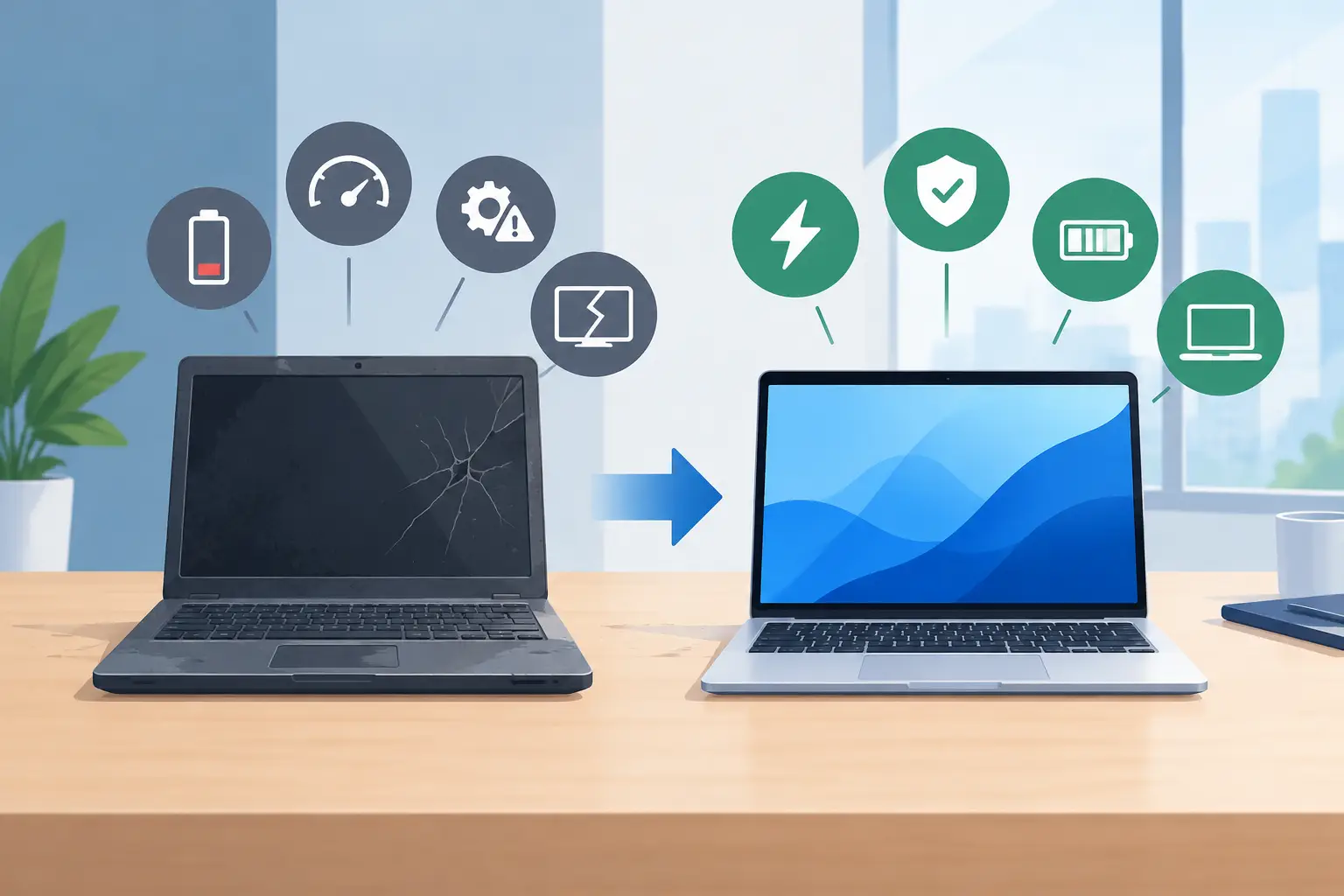
7 Signs It’s Time to Replace Business Laptops
A laptop that takes ten minutes to start may seem like a small frustration. Multiply it across a team, a school day or a busy finance department, though, and it becomes lost time, growing support demand and staff who cannot get on with their work. Knowing when to replace business laptops is less about chasing the newest model and more about protecting productivity, security and predictable budgets.
Most organisations can expect a well-specified business laptop to provide around three to five useful years. That is a planning guide, not a fixed expiry date. A carefully maintained device used for email and browser-based work may last longer, while a laptop handling design software, large spreadsheets, teaching resources or multiple video calls may need replacing sooner.
1. Performance is getting in the way of work
The clearest sign is not a complaint that a laptop feels old. It is a pattern: slow start-up times, regular freezing, long waits for files to open, lag during Teams calls or difficulty running the applications staff need every day.
Older hardware can struggle as Microsoft 365 applications, web platforms and security tools become more demanding. Staff often work around the problem by restarting devices, avoiding video calls or delaying tasks until the laptop catches up. Those workarounds rarely appear on an IT budget, but they are still a cost.
Before replacing a device, check whether the issue is caused by a full drive, an ageing hard disk, too little memory, a software fault or an unreliable internet connection. In some cases, a memory upgrade or replacement solid-state drive can extend its life. If the underlying processor is no longer capable of supporting the workload, however, repairs only postpone the decision.
2. The laptop cannot meet current security requirements
A laptop is part of your security perimeter, whether it is used in an office, classroom, home or on the move. When a device cannot run a supported operating system, receive security updates or work properly with modern endpoint protection, it should be treated as a business risk rather than a minor inconvenience.
For many organisations, the immediate question is Windows 11 compatibility. Devices that do not meet its hardware requirements may continue to function, but relying on an unsupported operating system after support ends leaves avoidable gaps. This matters particularly where laptops handle personal data, financial information, safeguarding records or access to cloud systems.
Compatibility also extends beyond Windows. Older devices may not support current encryption standards, multi-factor authentication methods, secure Wi-Fi, modern docking stations or the latest versions of essential applications. A laptop that prevents you from applying the controls expected by your insurer, auditors or cyber security policy is due for review.
3. Repairs are becoming frequent or expensive
One cracked screen is not necessarily a reason to replace a laptop. Accidental damage happens, and a repair may be sensible where the device is otherwise reliable and still within its planned lifecycle.
The calculation changes when faults recur. Battery failure, damaged hinges, unreliable charging ports, keyboard issues and intermittent blue-screen errors can create a cycle of repair costs, downtime and disruption. A laptop that spends several days with a repair provider is not available to the person who needs it.
A useful rule is to compare the total cost of repair with the value of the remaining life. If a repair costs a substantial proportion of a suitable replacement, or if the device has already needed multiple repairs, replacement is usually the better operational decision. Include the hidden costs too: loan equipment, IT time, lost staff hours and the risk of another failure shortly afterwards.
4. Battery life no longer supports the working day
A laptop does not need to last from breakfast to bedtime. It does need to support the way your people actually work. For a teacher moving between classrooms, a consultant visiting customers or a manager working through meetings away from their desk, a battery that lasts barely an hour creates unnecessary friction.
Battery health declines naturally over time. Replacing the battery can be cost-effective on some business-grade models, particularly where the laptop is otherwise modern and reliable. But when poor battery life sits alongside sluggish performance, outdated hardware and a history of faults, it is another signal that the device has reached the end of its useful service.
Business-grade laptops are often worth the extra initial investment because they are designed to be managed, repaired and used intensively. Features such as durable hinges, better warranties, replaceable parts and consistent docking options can make a meaningful difference over a fleet’s lifetime.
5. Your staff’s roles have changed
The right time to replace a laptop can be triggered by a change in the job, not a fault in the machine. A member of staff taking on video editing, data analysis, CAD work or more frequent remote meetings may simply have outgrown their original specification.
Equally, a business that has moved to cloud applications, introduced Microsoft Teams Phone or adopted a more flexible working model may need better webcams, microphones, Wi-Fi performance and processing power. Issuing the same model to everyone can simplify procurement, but it is not always the best value.
A sensible approach is to define a small number of approved device profiles. A standard laptop may suit administration and classroom use, while power users need more memory, storage and graphics capability. Senior leaders who travel regularly may value lighter devices and longer battery life. This gives staff suitable equipment without paying for high specifications that will never be used.
When to replace business laptops as a planned cycle
Replacing laptops one at a time after they fail feels cheaper in the short term, but it usually produces an uneven estate. IT teams then have to support multiple models, operating system versions, chargers, docks and warranty arrangements. Budgeting becomes reactive, and staff experience varies widely depending on the luck of the device they were issued.
A planned refresh programme gives you control. Start with an asset register showing the device model, purchase date, warranty end date, specification, assigned user, condition and operating system compatibility. This makes it easier to identify which devices should be replaced this year, which can be retained and which need closer monitoring.
For many organisations, spreading replacement across a three- or four-year cycle is more manageable than attempting a full refresh at once. It creates a predictable capital or monthly cost, avoids a large number of devices reaching end of life together and reduces the chance of a major support issue disrupting operations.
Schools and multi-academy trusts may need to align this work with holiday periods, teaching timetables and procurement rules. Businesses may prefer to schedule deployment around quieter trading periods or office moves. The key is to plan around your organisation, rather than allowing failing hardware to set the timetable.
Do not overlook deployment and disposal
Buying new laptops is only one part of the job. Each device needs to be configured consistently, enrolled in management tools, protected with endpoint security, updated and issued with the right applications and permissions. Staff should be able to sign in and work without spending their first morning waiting for software installs or searching for settings.
The outgoing laptops also need careful handling. Back up and transfer business data, securely erase devices, remove them from your management platform and retain evidence of secure disposal or recycling. This is particularly important for organisations responsible for sensitive customer, employee, pupil or patient information.
Where a device still has some usable life, redeployment can be worthwhile. A higher-specification laptop might move from a general user to a role with lighter needs, provided it remains supported and secure. Do not let redeployment become a way of passing unreliable equipment to someone else.
Make the decision with evidence, not frustration
A few frustrated comments are worth investigating, but they should not be the only basis for a refresh. Combine user feedback with helpdesk tickets, battery health reports, warranty data, performance monitoring and security compatibility checks. This gives finance and leadership teams a clearer case for investment and helps IT prioritise the devices that pose the greatest risk.
A good replacement programme should make staff smile because their technology works when they need it, not because it is shiny and new. With the right specifications, secure setup and a sensible lifecycle plan, laptop replacement becomes a routine piece of good IT management rather than another urgent problem landing on someone’s desk.