



When Level 3 IT Support Is the Right Call
A Microsoft 365 outage affecting an entire school, a server that will not recover after an update, or suspicious sign-in activity in a finance account are not ordinary helpdesk tickets. They are the moments when level 3 IT support earns its place. The issue may be technical, but the pressure is operational: lessons cannot start, staff cannot work, customers cannot be served and leadership needs clear answers quickly.
For organisations with an internal IT team, level 3 support provides the experienced escalation capability needed when a problem goes beyond day-to-day troubleshooting. For organisations without an IT department, it is often part of a managed support arrangement that gives them access to senior engineers without carrying the cost of employing every specialist in-house.
What does level 3 IT support mean?
IT support is commonly structured in levels, although the exact model varies between providers. Level 1 usually deals with routine user requests: password resets, access problems, printer issues and straightforward device faults. Level 2 takes on incidents that need deeper investigation, configuration changes or knowledge of the wider environment.
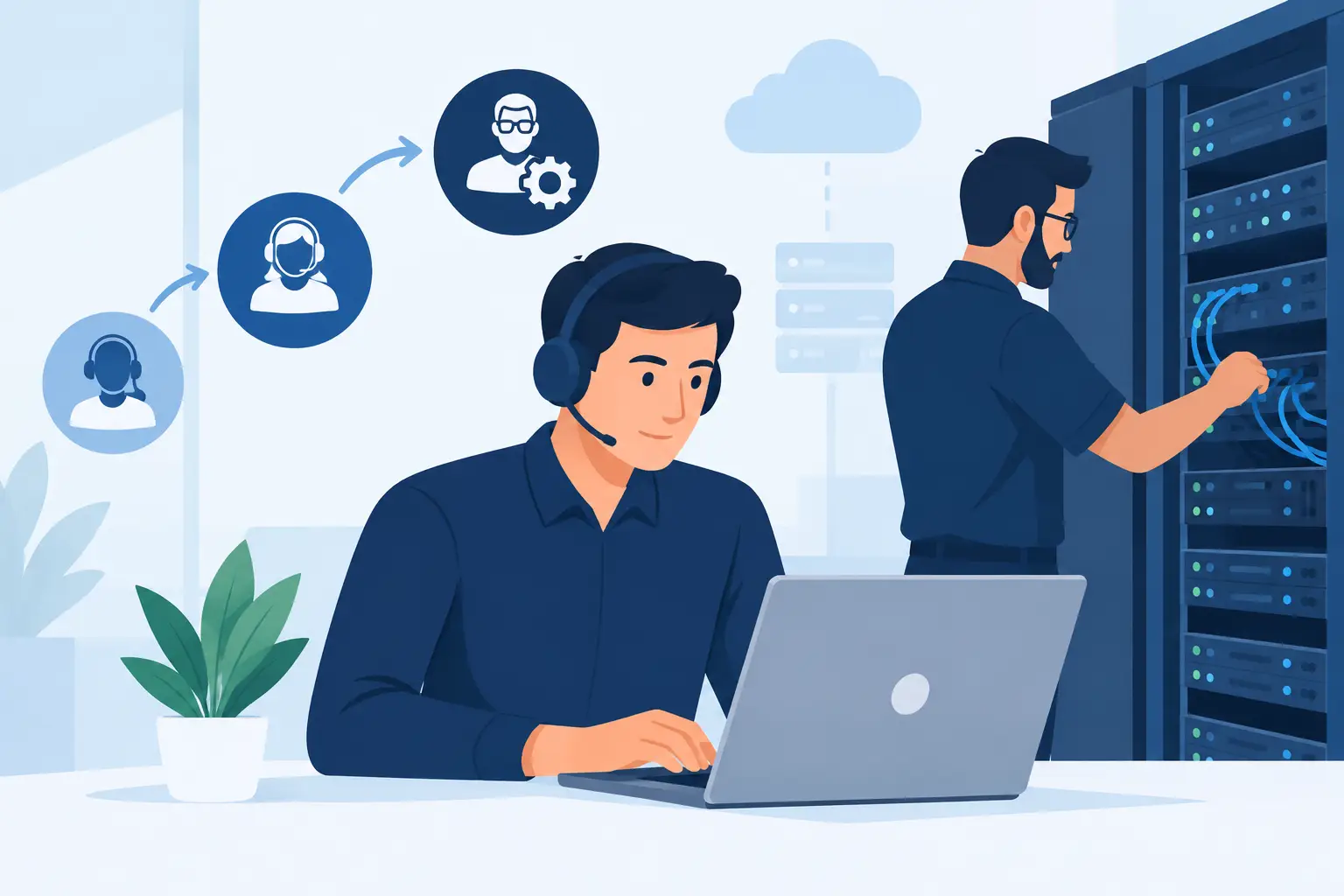
Level 3 is the escalation point for complex, high-impact or recurring issues. These are engineers who can analyse root causes rather than simply restore a service temporarily. They work across infrastructure, cloud platforms, networks, identity, security controls and applications, and they are comfortable making carefully managed changes in live environments.
A level 3 engineer might investigate why devices are repeatedly failing to enrol into Microsoft Intune, trace intermittent network loss across switches and wireless access points, repair a failed backup or virtual server, or contain a potential cyber security incident. They should also be able to explain what is happening in plain language, including the business impact, the options available and the risk of each decision.
That last part matters. Senior leadership does not need a stream of technical acronyms during an outage. They need confidence that somebody is in control, that the right people are involved and that there is a sensible plan to restore services and prevent a repeat.
When your team needs a level 3 escalation
Not every difficult ticket needs senior intervention. Escalating too early can slow down routine work; escalating too late can turn a manageable issue into a costly interruption. The right point depends on the skills within your team, the systems affected and the potential impact on people.
Level 3 support is particularly valuable where an issue crosses multiple systems. A staff member unable to access a file may be a simple permissions request. But if an entire department loses access following a migration, the cause could sit within identity synchronisation, conditional access, SharePoint permissions, network connectivity or a configuration change. It needs structured investigation, not guesswork.
It is also the right call where there is a cyber security concern. Unusual mailbox rules, impossible-travel sign-ins, ransomware indicators or a device behaving unexpectedly should be assessed quickly by people who understand both containment and recovery. Switching off systems without a plan can destroy evidence or create further disruption. Waiting for a routine support queue can be riskier still.
For schools, trusts and colleges, timing is often decisive. A failure during assessments, admissions, payroll processing or the start of the school day has a very different impact from the same issue during a quiet period. Businesses face similar pressures around month-end, customer deadlines, production systems and remote working. Good escalation support takes account of those realities rather than treating every ticket in isolation.
What senior IT support should actually deliver
The value of level 3 support is not measured by how complicated the fix sounds. It is measured by whether the organisation returns to safe, stable operation with a clearer understanding of what happens next.
First comes technical ownership. A senior engineer should take responsibility for driving the investigation, coördinating with third-party suppliers where necessary and keeping the issue moving. Your internal team should not have to chase a broadband provider, software vendor and hardware manufacturer while also supporting frustrated users.
Next comes root-cause analysis. A workaround may be appropriate to get people working again, especially during a major outage. But if a recurring fault is left unresolved, it will return at the worst possible time. Level 3 engineers should identify contributing factors, document what changed and recommend proportionate corrective action.
Security needs to be considered throughout. A misconfigured Microsoft 365 tenant, unsupported firewall, exposed remote access service or backup that has never been tested can all create risk long before an incident is visible. Senior support should spot these weak points while resolving the immediate problem, then set out sensible priorities for improvement.
Finally, there should be practical communication. A helpful update explains what has been confirmed, what is still being tested, what staff should do now and when the next update will arrive. This reduces stress for managers and helps internal IT teams maintain trust across the organisation.
Level 3 support is not just for emergencies
The most effective use of senior expertise is often planned, not reactive. Infrastructure modernisation, office moves, school expansion, cloud migration and security improvement programmes all benefit from level 3 involvement before changes are made.
Consider a move to Microsoft 365 with stronger identity controls. The project may include mailbox migration, multi-factor authentication, conditional access policies, mobile device management, data retention and staff communications. Each decision affects usability, security and support demand. Applying a standard configuration without understanding how people work can cause unnecessary friction. Equally, making every exception for convenience can weaken protection.
There is a similar balance with network upgrades. Replacing ageing switches or improving wireless coverage is not simply a hardware purchase. A senior engineer will consider capacity, resilience, segmentation, safeguarding requirements, guest access, voice services, cloud traffic and future expansion. The aim is not technology for its own sake. It is a reliable platform that supports teaching, service delivery and growth.
This is why co-managed IT arrangements work well for many organisations. Your internal team keeps the relationships and day-to-day knowledge that matter, while a specialist partner supplies escalation expertise, project capacity and an external view of risk. It can be more flexible than recruiting for every skillset, particularly when demand changes through the year.
Questions to ask a level 3 IT support partner
The phrase “level 3” alone does not guarantee the same depth of service. Before choosing a provider, ask how escalations are handled in practice. Will your team have direct access to senior engineers, or will every issue pass through several layers before it reaches the right person? What response commitments apply to critical incidents? Who coordinates third parties when the fault sits outside the provider’s own systems?
It is also worth asking how the provider approaches cyber security. Technical support and security cannot be treated as separate jobs when an identity issue, endpoint alert or failed backup could become a serious incident. Look for a partner that can assess the wider risk, not just close the ticket.
For internal IT managers, compatibility matters too. A good escalation partner does not undermine your team or take over unnecessarily. They document changes, share knowledge and agree clear boundaries. The relationship should make your team more effective, whether you need a second pair of hands for a project or calm, experienced support during a high-pressure incident.
At Breathe Technology, this approach is built around dedicated customer technical teams, giving organisations continuity as well as access to specialist support when the stakes are high. Familiarity with your people, systems and priorities can save valuable time when an escalation cannot wait.
Build escalation into your wider IT plan
Level 3 support is most useful when it is part of a planned support model rather than an emergency number found during an outage. Agree what counts as a critical incident, who has authority to approve changes, how staff will be updated and which suppliers need to be involved. Keep current documentation for key systems, recovery procedures and access arrangements.
Just as importantly, use recurring escalations as useful evidence. Repeated Wi-Fi complaints, persistent account lockouts, slow applications or backup failures often point to a wider issue that deserves investment. Fixing the underlying cause may cost more than another quick repair, but it can protect staff time, reduce risk and make the working day far less frustrating.
The right level 3 IT support arrangement gives your organisation more than a technical safety net. It gives your people a trusted route to expert help when the problem is too significant to leave to chance – and the peace of mind to focus on the work that matters most.