



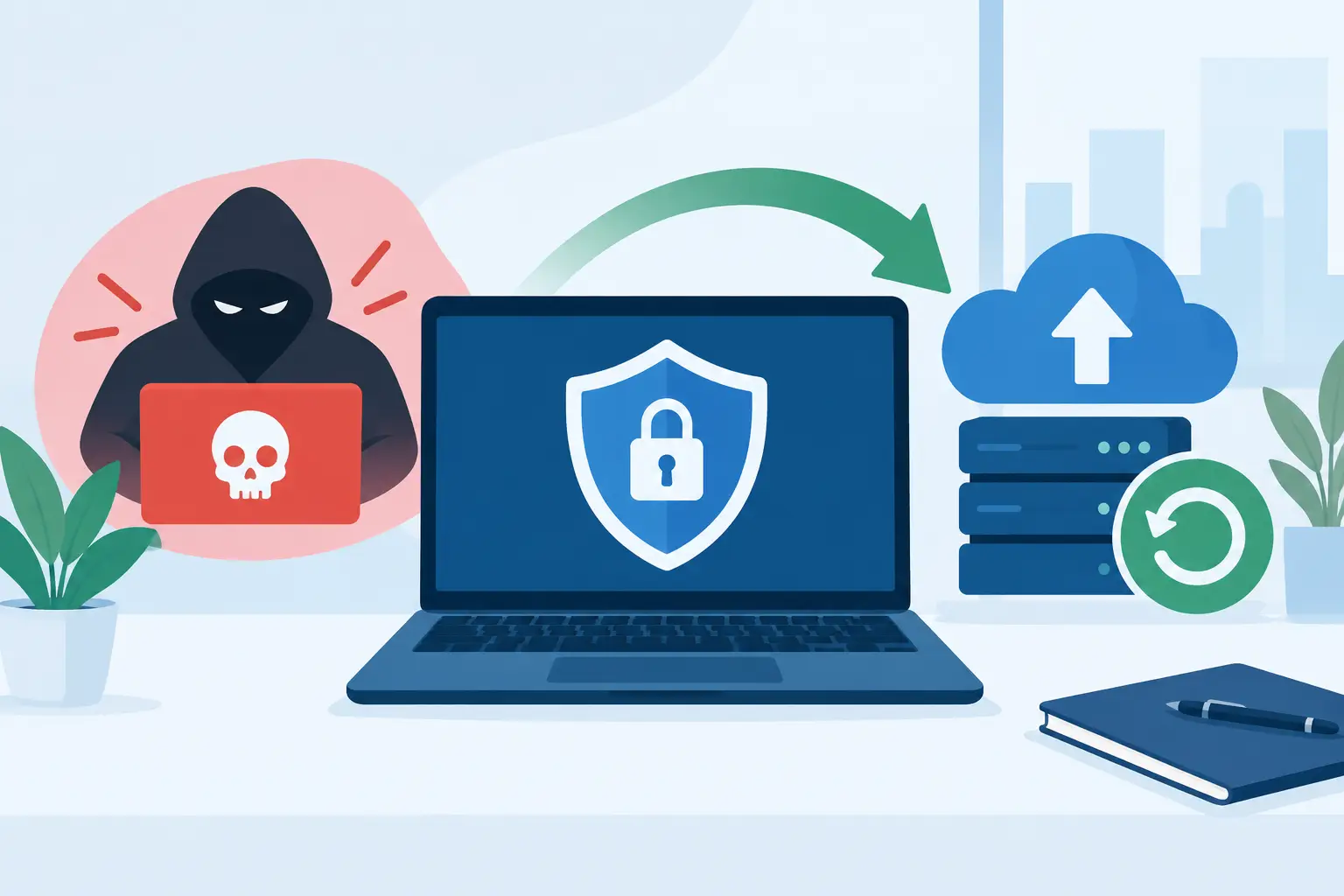
Your Ransomware Recovery Plan for Business
At 8:12 on a Monday morning, staff cannot open customer records, lesson resources or finance folders. A message on screen says the files have been encrypted and demands payment. This is the moment a ransomware recovery plan for business stops being a document for the IT folder and becomes the difference between a contained incident and days of damaging disruption.
Ransomware affects more than servers. It can halt invoicing, payroll, classroom delivery, customer service and access to cloud platforms. For a UK organisation, the pressure is immediate: restore operations safely, protect people and data, meet reporting obligations, and communicate with confidence while the facts are still emerging.
A useful plan is not a technical wish list. It assigns decisions to named people, gives teams permission to act quickly, and is tested before an attacker forces the issue.
What a ransomware recovery plan for business must achieve
The first aim is containment, not restoration. If a compromised device is still connected to the network, cloud storage or backup environment, restoring files too early can simply reinfect them. Your plan should therefore separate the incident into clear stages: contain the spread, understand what has happened, preserve evidence, recover priority services and learn from the event.
The second aim is continuity. A school may need safe access to registers and safeguarding information. A business may need to process orders, support customers or pay staff. These needs should shape recovery priorities, rather than a blanket instruction to bring every system back online as quickly as possible.
Finally, the plan needs to protect decision-makers. During an attack, a finance director should not have to decide alone whether to notify insurers, contact the ICO or authorise external forensic support. Clear roles and pre-agreed contacts reduce hesitation when every hour matters.
Start with the first hour
Staff need simple instructions they can remember under pressure. They should know how to report suspicious activity, but they should not be expected to investigate it themselves or continue working around obvious signs of compromise.
When ransomware is suspected, the incident lead should coordinate four immediate actions:
- Isolate affected computers, servers and network segments without switching devices off unless advised by your incident response specialist.
- Disable compromised accounts and sessions, particularly privileged accounts and remote access tools.
- Record the time, affected systems, ransom message, unusual logins and actions already taken.
- Escalate to your IT partner, cyber insurer and senior leadership using the contacts held outside the affected environment.
Isolation must be proportionate. Pulling every connection across an organisation may stop an attack spreading, but it can also interrupt essential services. An experienced technical team can help make the call based on evidence, network design and the risk to critical operations.
Avoid negotiating with attackers or paying a ransom as an instinctive first response. Payment does not guarantee a working decryption key, the return of stolen information or removal of the attacker from your systems. It may also make an organisation a target again. Legal, insurance and specialist incident-response advice should guide any decision of this seriousness.
Know who is responsible before an incident
A recovery plan works best when it reflects how your organisation actually operates. For many small and mid-sized organisations, this means recognising that the operations manager, school business manager or finance lead may be the first person asked to make a decision. They need a concise incident playbook, not a dense technical manual.
Assign an incident lead and a deputy with authority to declare an incident. Identify who owns technical containment, staff communications, customer or parent communications, legal and regulatory advice, and insurer contact. Include mobile numbers and alternative email addresses in a printed or securely stored offline copy.
Internal IT teams should also be clear about their escalation path. A sole IT administrator can manage a great deal, but ransomware response can require endpoint forensics, identity investigation, Microsoft 365 security analysis, backup validation and specialist recovery skills at the same time. Planning for external support is sensible capacity management, not a failure of internal expertise.
Prepare communications that are calm and factual
Silence creates speculation. However, early updates should not guess at the scope of an incident or make promises that cannot be kept. Prepare short templates for staff, customers, suppliers, governors or parents. Explain what is known, what people should do, the service impact and when they can expect the next update.
Keep a decision log throughout the incident. It provides a reliable record for insurers, regulators and senior leaders, and helps the organisation explain why particular actions were taken. If personal data may be involved, obtain specialist data protection advice promptly. The ICO expects relevant breaches to be assessed without delay, and some may need reporting within 72 hours.
Recovery depends on backups you can trust
Backups are essential, but having a backup job marked as successful is not the same as being able to recover. Ransomware groups actively look for backup consoles, administrator credentials and connected storage. If they can encrypt or delete backups, recovery options narrow quickly.
Use the 3–2‑1 approach as a starting point: maintain at least three copies of important data, on two different forms of storage, with one copy held offline or otherwise isolated from the main network. For many organisations, immutable cloud backup adds another valuable layer because retained copies cannot be altered during a defined period.
The right design depends on your systems. A cloud-first business will focus heavily on Microsoft 365 backup, identity protection and recovery of SaaS data. An organisation with on-premises servers may need protected image backups, replacement hardware arrangements and a documented recovery sequence. Schools and multi-academy trusts must also consider shared services, curriculum platforms and the implications of an incident at one site affecting another.
Test restoration regularly. Do not just restore a single document. Test a realistic scenario: recover a server or cloud workload into an isolated environment, verify access permissions, check the data is usable and time how long it takes. Compare that result with your recovery time objective, meaning how quickly a service must return, and your recovery point objective, meaning how much data you can afford to lose.
Restore safely, not simply quickly
Before systems return to service, investigate the route in. Common entry points include phishing, stolen credentials, unpatched remote access, exposed services and misuse of administrative tools. If the original weakness remains, restored systems may be compromised again within hours.
Recovery should normally begin with identity. Reset passwords, review administrator accounts, revoke suspicious sessions and enforce multi-factor authentication. Then rebuild or validate core infrastructure, restore priority applications and bring user devices back in controlled groups. Endpoint protection, patching and logging should be verified as each service returns.
This is where a well-maintained asset register pays off. You need to know which devices, services, suppliers and data stores exist, who owns them and how critical they are. Guesswork causes delay. Accurate documentation gives technical teams a map when the usual systems of record may be unavailable.
Turn the incident into lasting improvement
Once services are stable, hold a structured review while details are still fresh. Focus on facts rather than blame. What alerted the organisation? Where did containment work? Which decisions took too long? Were contact details current? Did backups restore in the expected time?
The answers should produce practical improvements: tighter privileged access, better phishing reporting, segmented networks, improved monitoring, additional staff training or a revised supplier process. Rehearse the amended plan through a tabletop exercise, then test the technical recovery elements separately. An annual review is a minimum; major system changes, office moves, cloud migrations and new acquisitions should trigger another check.
Breathe Technology supports organisations with cyber security assessments, managed protection, backup and disaster recovery planning, and hands-on incident support. The most effective arrangement is one that fits your systems, risk profile and in-house capability, with a technical team that already understands how your organisation works.
A ransomware attack is not the time to search for account credentials, debate who can approve a decision or discover that a backup has never been restored. Build the plan, test it with the people who will use it, and give your staff the confidence that help and clear direction are ready when they need them.