


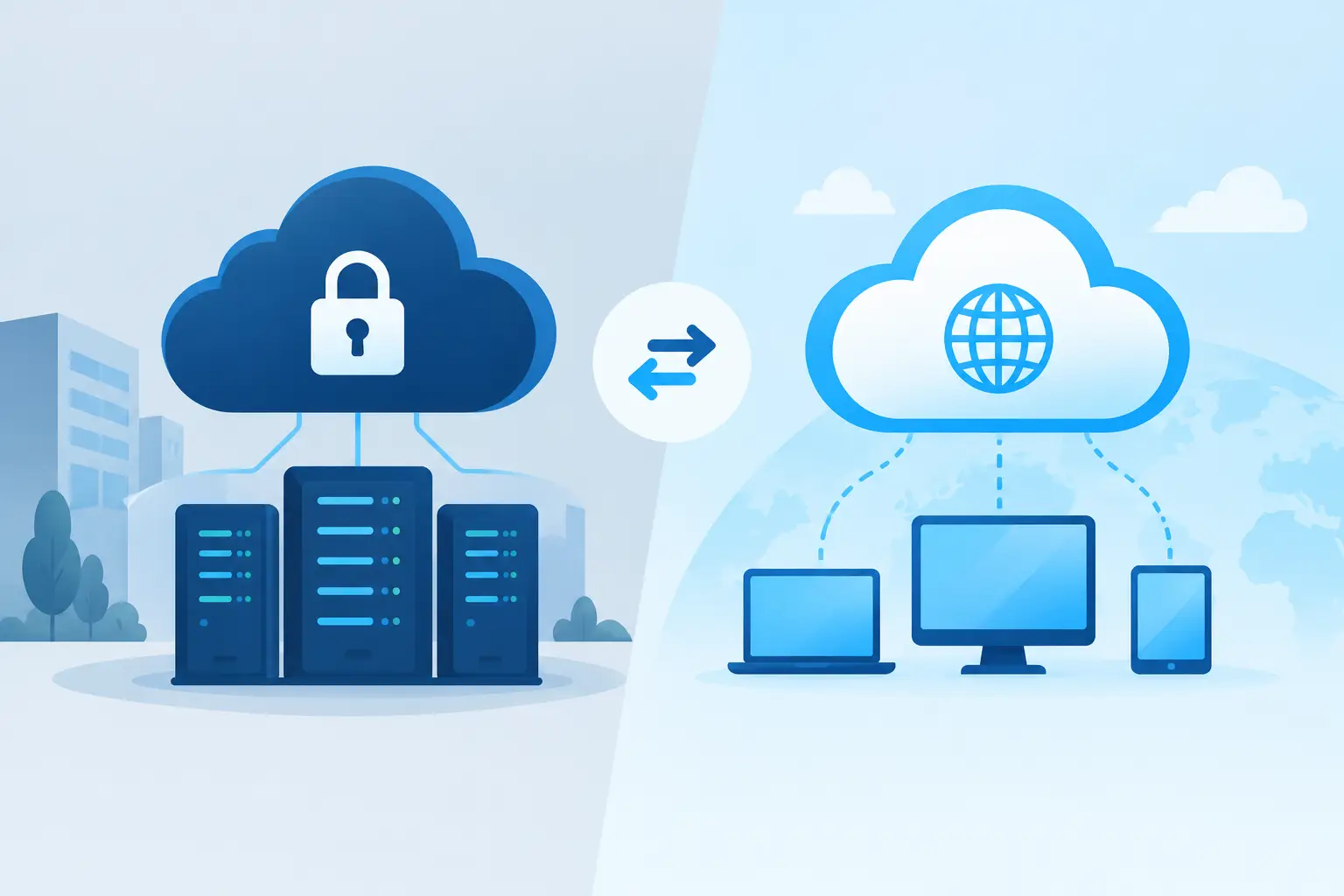
Private Cloud Versus Public Cloud Compared
A finance director is trying to approve next year’s IT budget. An IT manager is worried about ageing servers. A school business manager needs systems that will still work during exam season. They may all ask the same question: private cloud versus public cloud – which is safer, more practical and better value?
The honest answer is that neither model is automatically right. The best choice depends on the data you hold, the applications your staff rely on, your internal capability and how much day-to-day responsibility you want to retain. What matters is choosing a platform that supports your organisation when pressure is highest, not one that simply looks attractive on a price comparison.
What private and public cloud actually mean
A public cloud is a service delivered through shared provider infrastructure. Microsoft Azure, Amazon Web Services and Google Cloud are familiar examples. Your organisation’s data and workloads are logically separated from those of other customers, but the underlying compute, storage and network resources are operated at scale by the cloud provider.
This does not mean public cloud is a free-for-all. Major providers invest heavily in physical security, resilience and platform security. The customer still has important responsibilities, however, including identity management, access controls, configuration, backups and protecting the data placed in the service.
A private cloud is an environment reserved for one organisation. It may sit in your own server room, in a dedicated area of a data centre, or be hosted and managed by a service provider. The defining feature is dedicated infrastructure and greater control over how it is designed, configured and governed.
In practice, the distinction is not always neat. A business might run Microsoft 365 and cloud backups in public cloud services while keeping a line-of-business application on dedicated private infrastructure. That is a hybrid approach, and it is often the most sensible route.
Private cloud versus public cloud: the practical differences
The conversation should move beyond labels quickly. Your users care whether they can access the systems they need, whether confidential information stays protected and whether someone can resolve a problem without days of disruption.
Cost and budgeting
Public cloud usually has a lower barrier to entry. There is no need to buy and install all the underlying hardware upfront, and capacity can be increased without a major refresh project. For a growing organisation, seasonal workload or new digital service, that flexibility can be very useful.
However, public cloud costs need active management. Consumption-based charging can be efficient, but it can also become difficult to predict if services are poorly sized, unused resources are left running or data transfer charges are overlooked. A low starting price is not necessarily a low long-term cost.
Private cloud commonly involves higher initial investment or a more committed monthly contract because the infrastructure is dedicated. In return, costs can be easier to forecast, particularly where workloads are stable and resource requirements are well understood. It can be a strong fit for organisations that expect consistent demand over several years.
When comparing quotations, ask for the whole operational picture: licences, storage growth, backup retention, disaster recovery, support, monitoring, connectivity, migration and future capacity. Buying compute alone is not the same as buying a dependable service.
Control and customisation
Private cloud gives IT teams more influence over the environment. They can make detailed decisions about network segmentation, hardware specifications, patching windows, storage performance and the location of systems. This can suit a specialist application that has unusual technical requirements or cannot easily be redesigned for public cloud.
That control comes with responsibility. Someone must maintain the platform, monitor performance, test recovery, apply security updates and plan replacements before hardware becomes a problem. For a sole IT administrator, that can turn flexibility into another source of pressure.
Public cloud has less infrastructure-level control, but it gives teams access to a wide range of managed services. Rather than maintaining a database server, for example, you may use a managed database service where the provider handles much of the underlying platform work. The trade-off is working within the provider’s design choices and service limits.
Security, compliance and data protection
Security is often the deciding factor, but private does not automatically mean more secure and public does not automatically mean less secure. A private environment can be exposed if it lacks multi-factor authentication, good patching, privileged access controls, monitored backups and regular security testing. Equally, a carefully configured public cloud tenant can offer excellent protection.
The key question is who owns each part of the security model. In public cloud, the provider secures the physical data centres and core platform. Your organisation, or its IT partner, remains responsible for users, identities, permissions, devices, data classification and configuration. A misplaced administrator privilege or an unprotected account can undermine the strongest cloud platform.
For schools, charities and businesses handling personal, financial, health or commercially sensitive data, governance must be clear. Consider where data is stored, how it is encrypted, who can access it, how long it is retained and how quickly it can be recovered. Regulatory requirements may favour particular locations or controls, but they rarely dictate one cloud model in isolation.
Performance, resilience and availability
Public cloud makes it easier to use geographically distributed services, replicate data and scale resources quickly. This is valuable where demand changes sharply, such as an online admissions period, a customer portal launch or a business acquiring another site.
Private cloud can deliver highly consistent performance for predictable workloads, especially where applications need low latency or close integration with on-premises equipment. Yet resilience must be designed, not assumed. A private cloud in one building may still be vulnerable to a power event, fire, connectivity failure or local disaster unless it has proper replication and recovery arrangements.
For either model, ask what happens when a server fails, a user account is compromised or the main site cannot be accessed. Recovery time and recovery point objectives are more useful than vague promises of uptime. They define how quickly services should return and how much data loss the organisation can tolerate.
When each model tends to fit
Public cloud is often a good match for organisations that need to grow without buying large amounts of hardware, support remote and multi-site staff, or make greater use of modern managed services. It can also reduce the burden of running a physical server estate, provided cloud governance and cost management are in place.
Private cloud may be the better choice where an application requires dedicated resources, legacy systems cannot be moved safely, data handling rules are particularly strict or predictable performance is essential. It can also suit organisations that want a tailored environment without bringing every aspect of infrastructure management in-house.
A hybrid design is worth considering when you have different needs across different systems. Microsoft 365, collaboration tools and email may be well suited to public cloud. A legacy finance application, specialist curriculum platform or sensitive database may need dedicated hosting while a longer-term modernisation plan is developed.
Make the decision from your workloads, not the headline
Start by mapping the applications that keep your organisation running. Identify their users, dependencies, data sensitivity, performance needs, licence requirements and recovery priorities. A payroll system, a virtual desktop platform and an archive of historic files should not automatically be treated in the same way.
Then review your operational capacity. Do you have the skills and time to manage cloud identities, security alerts, backups, costs and configuration changes? If an internal IT team already carries a heavy support workload, the right answer may be a managed cloud service with clear accountability rather than another platform to administer.
Finally, test the proposed design against real scenarios. Could staff work during a site outage? Can a ransomware incident be contained and recovered from? Is access secure for teachers, remote workers, contractors and administrators? Will monthly costs remain understandable if usage grows? These questions expose gaps before they become expensive incidents.
Breathe Technology helps organisations assess these choices in the context of their wider IT support, cyber security and continuity plans. The aim is not to force every workload into one destination, but to build an environment that gives staff reliable access, leaders clearer costs and your organisation greater peace of mind.
The most useful next step is a straightforward review of your current systems and risks. Choose the cloud model that leaves your people better supported on an ordinary Tuesday and better protected on the day something goes wrong.