



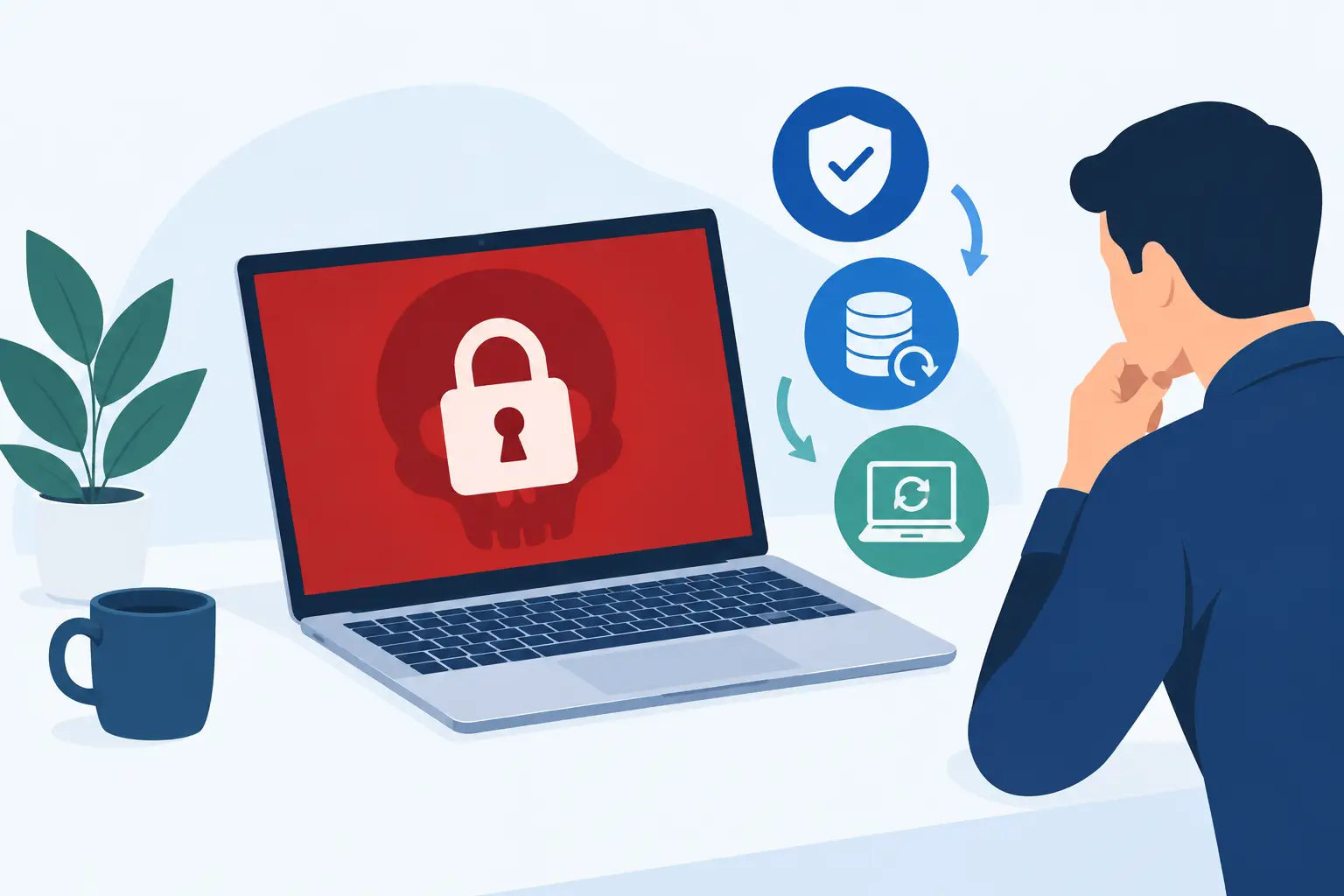
How to Respond to a Ransomware Attack Fast
A ransomware message on a shared drive, school server or finance computer is not just an IT problem. It can stop lessons, prevent invoices being raised, disrupt payroll and leave staff unsure whether it is safe to switch on their devices. The first decisions made in the opening hour can limit the damage significantly. Knowing how to respond to a ransomware attack means acting calmly, preserving evidence and bringing the right people together quickly.
Ransomware is malicious software that encrypts files or systems and demands payment for a decryption key. Some groups also steal data before encrypting it, then threaten to publish it. That means recovery is not simply about restoring files. You must also establish what happened, contain the attacker and assess whether personal or sensitive information has been exposed.
How to respond to a ransomware attack in the first hour
Your immediate priority is containment. Disconnect affected computers, servers and storage from the network as quickly as possible. Remove their network cable, disable Wi-Fi or isolate them through your security tools. If a device is actively encrypting files, isolating it can prevent the malware spreading to network shares, backup repositories and other endpoints.
Do not start deleting files, reinstalling machines or repeatedly rebooting systems. Those actions can destroy useful evidence and make it harder for your IT team, cyber insurer or incident response specialists to understand the route the attacker used. Take photographs or screenshots of the ransom note, record the date and time it appeared, and note the affected device names, usernames and any unusual activity reported by staff.
It may be tempting to turn every machine off immediately. That is not always the right call. A powered-on device may contain valuable forensic evidence in its memory, while a device continuing to encrypt data needs urgent isolation. Your incident response plan should set out who can make that decision. If you do not have that capability in-house, contact your managed IT provider or cyber security partner straight away.
Activate a small, clear incident team
Avoid a broad email that causes panic or alerts an attacker who may still have access to mailboxes. Instead, use an out-of-band method such as telephone calls, text messages or a personal messaging channel to contact a defined incident team. This should normally include a senior decision-maker, IT lead, operations or finance representative, data protection lead and your external IT or cyber security support.
Give one person responsibility for coordinating decisions and one for recording them. Keep a simple timeline: when the issue was discovered, which systems were isolated, who was contacted and what actions were authorised. During a fast-moving incident, this record protects against confusion and supports later reporting.
Contain the attack without spreading it further
Once the immediate devices are isolated, your technical team needs to establish the likely scope. That includes checking whether the attacker has reached servers, cloud identities, remote access systems, email accounts, virtual machines, backups or other sites in a multi-site organisation.
Common routes into an organisation include compromised Microsoft 365 credentials, weak or exposed remote access, unpatched systems, malicious email attachments and suppliers with excessive access. Finding the entry point matters because restoring systems before closing it can hand the attacker a second opportunity.
Practical containment work may include disabling compromised accounts, resetting privileged credentials, revoking active sessions, blocking suspicious IP addresses, disabling remote access temporarily and separating affected network segments. Multifactor authentication should be enforced for administrator and remote access accounts if it is not already in place.
Do not assume that cloud services are unaffected because staff can still access them. Attackers often use legitimate account access to search for data, create mailbox rules, move laterally and remove recovery options. Review administrator activity, sign-in logs, forwarding rules and changes to security settings.
Protect your backups before attempting recovery
Backups are often the difference between a serious incident and an existential one. They are also a prime target. Before restoring anything, confirm that backup systems are isolated from the production environment and have not been encrypted, deleted or altered.
A usable backup must be more than a green tick in a dashboard. Your team should verify when the last clean backup was taken, whether it includes the data and configuration required, and whether it can be restored within an acceptable timeframe. In a school, that may mean prioritising safeguarding, MIS and communications systems. In a business, it may mean finance, customer service, operational applications or production systems.
It is sensible to restore into a clean, segregated environment first. This gives technical teams time to scan for malicious activity and validate the recovery without reconnecting an infected system to the network. The fastest restore is not always the safest restore.
Report, communicate and take advice early
Contact your cyber insurance provider promptly if you have cover. Policies often require early notification and may specify approved legal advisers, forensic investigators or incident response partners. Calling in an unapproved provider before notifying the insurer can complicate a claim, so check the policy terms where possible.
A ransomware incident may need to be reported to law enforcement and, if personal data is involved, assessed against UK GDPR requirements. The Information Commissioner’s Office may require notification where there is a risk to individuals’ rights and freedoms, generally within 72 hours of becoming aware of a personal data breach. The National Cyber Security Centre can also provide guidance for organisations dealing with significant incidents.
Communication needs care. Staff need clear instructions: do not connect devices to the network, do not open unexpected messages, and report anything unusual. They do not need speculation about who is responsible or whether data has been stolen. Customers, parents, suppliers or trustees may need an update too, but keep messages factual and proportionate. Say what is known, what services are affected, what you are doing and when the next update will be provided.
For organisations with contractual or regulatory obligations, involve legal and communications advisers early. An honest, well-managed update is far more credible than silence followed by a rushed explanation.
Should you pay the ransom?
The UK government and law enforcement do not recommend paying ransoms. Payment does not guarantee that you will receive a working decryption tool, that stolen data will be deleted, or that attackers will not return. It can also make an organisation a more attractive target in future.
There are difficult circumstances, particularly where critical services are unavailable and recovery options are poor. Any decision must be made by senior leadership with specialist legal, insurance and incident response advice. Do not let an employee negotiate independently with criminals or use a personal account to make contact. Preserve the demand and any communication as evidence instead.
Recover safely, then investigate properly
Recovery should follow an agreed order based on operational impact. Start with the services that allow your organisation to communicate, make safe decisions and deliver essential work. That could include telephony, identity services, internet connectivity, core line-of-business applications and clean endpoint devices for key staff.
Before systems return to service, remove the attacker’s access. Rebuild compromised devices from known-good images where appropriate, patch vulnerabilities, rotate passwords and privileged credentials, review security policies and monitor closely for suspicious behaviour. Restoring encrypted files without addressing the cause is not recovery – it is a pause before another incident.
After the immediate pressure has eased, hold a structured review. Assess how the attacker entered, how long they were present, which controls worked and where staff or processes were put under strain. This is not about blaming an individual who clicked a convincing email. It is about improving the layers around them: email filtering, endpoint protection, backups, access controls, patching, staff awareness and tested incident plans.
Prepare before the next alert arrives
The best time to decide who can isolate systems, contact insurers, speak to parents or customers, and authorise recovery is before an attack. A short, tested ransomware response plan gives non-technical leaders confidence and gives IT teams the authority to act quickly.
Breathe Technology supports organisations with practical cyber security assessments, managed protection, backup and disaster recovery planning, and incident support that fits their existing IT arrangements. Whether you have a sole IT manager or an established internal team, having experienced escalation support available can reduce stress when every minute counts.
A ransomware attack is disruptive, but it does not have to define your organisation. Clear ownership, protected backups and calm, early action give your people the best chance of keeping essential services moving while recovery gets under way.