



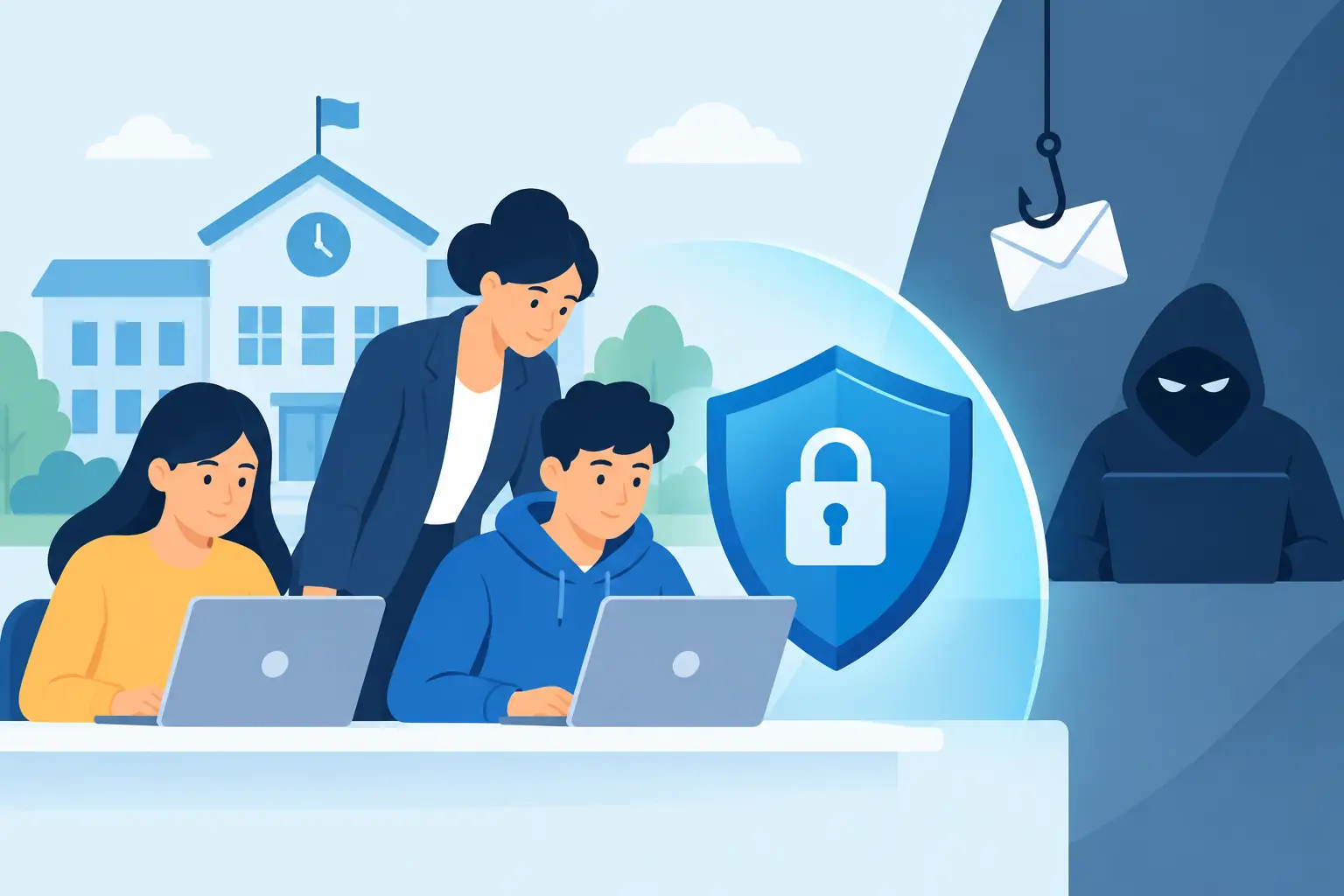
Can Schools Prevent Phishing Attacks? Yes, Here’s How
A convincing email reaches the school office at 8:12am. It appears to be from the headteacher, asks for an urgent payment to a new supplier account and uses familiar language. By break time, a rushed member of staff could have shared credentials, sent money or opened the door to a wider compromise. Can schools prevent phishing attacks? Not every malicious message can be stopped before it arrives, but schools can make a successful attack far less likely – and far less damaging when someone does click.
Phishing is not simply an IT problem. It is an operational risk affecting safeguarding, finance, teaching continuity and trust with parents. Schools hold valuable personal data, manage payments and often rely on busy staff making quick decisions across multiple systems. That makes a practical, layered approach essential.
Why schools are a frequent target
Attackers do not need to break through a locked server room door. They look for the easiest route in: a staff member who is busy, a reused password, an unprotected Microsoft 365 account or an invoice that arrives at the wrong moment.
Education organisations are particularly attractive because they hold pupil records, safeguarding information, staff data and financial details. They also work with a wide range of suppliers, parents, governors and external agencies. A message claiming to come from a catering provider, a local authority, an exam board or a senior leader can look entirely plausible.
The pressure points are predictable. School business managers may receive invoices and banking-change requests. Teachers may be sent shared documents or fake training invitations. IT teams may receive fraudulent support requests designed to capture administrator credentials. During holidays, leadership changes or major projects, normal checks can be easier to bypass.
A phishing email can lead to account takeover, fraudulent payments, data theft or ransomware. The immediate disruption is serious enough, but recovery can also mean cancelled lessons, urgent communications to families, forensic investigation and a difficult conversation with insurers or regulators.
Can schools prevent phishing attacks with technology alone?
No. Email filtering, endpoint protection and multi-factor authentication are essential, but technology cannot make every judgement call for a member of staff. Equally, awareness training alone puts too much responsibility on individuals who are already managing classrooms, pupils, parents and deadlines.
The strongest protection combines people, processes and technology. Each layer covers the gaps left by another. If a malicious email reaches an inbox, staff should know how to spot and report it. If someone enters their password, multi-factor authentication should help stop the attacker getting in. If an account is compromised, monitoring and clear incident procedures should limit how far the damage spreads.
This approach also avoids a common mistake: treating cyber security as an annual compliance exercise. Threats change, staff join and leave, and attackers adapt their messages to the school calendar. Protection needs regular attention rather than one presentation at the start of term.
Start with the accounts attackers want most
Microsoft 365 is central to day-to-day school life, which makes it a prime target. A compromised account can provide access to email, files, contact lists and shared documents. It can also be used to send convincing phishing messages internally, where recipients are naturally more trusting.
Multi-factor authentication should be enabled for all staff, with particular care around senior leaders, finance users, IT administrators and anyone with access to sensitive pupil information. It adds a vital second check beyond a password. However, the method matters. App-based authentication and phishing-resistant options offer better protection than methods that can be intercepted or socially engineered.
Password policies should support security without encouraging workarounds. Long, unique passphrases and a password manager are usually more practical than demanding frequent, minor password changes. Shared accounts should be removed wherever possible. Where a shared function genuinely needs access, use delegated permissions and named accounts so activity can be traced.
Schools should also review conditional access controls. Restricting high-risk sign-ins, blocking legacy authentication and applying sensible location or device rules can reduce opportunities for attackers. These controls need careful configuration: an overly restrictive policy can prevent legitimate staff access, especially for travelling leaders or third-party support. Testing and a planned rollout are worth the effort.
Make suspicious messages easy to report
Most staff do not need to become cyber security specialists. They need a simple, repeatable way to pause and report something that does not feel right.
Training should use examples relevant to school life: fake invoice requests, messages impersonating the headteacher, password-expiry notices, shared-document alerts and bogus DBS or payroll updates. Teach staff to check the sender address, question unexpected urgency and verify payment or bank-detail changes through a known phone number, not by replying to the email.
Just as important, reporting must be quick and blameless. A visible ‘report phishing’ button in the email system, backed by a clear response from IT, gives staff a safe route to raise concerns. If people fear being criticised for clicking, they may delay reporting. That delay can turn one compromised mailbox into a wider incident.
Short, regular reminders work better than a single annual session. A five-minute discussion in a staff briefing can reinforce the signs of a current scam. Simulated phishing exercises can be useful too, provided they are used as coaching rather than a public test of who failed. The aim is better decisions, not embarrassment.
Put stronger checks around money and sensitive data
Phishing often succeeds because the message asks someone to bypass a normal process. Finance procedures should make that difficult.
Any change to supplier bank details should be independently verified using contact information already held by the school. Payment requests, especially urgent or unusual ones, should have a clear approval route involving more than one person. A request apparently from the headteacher or trust leader should not override those checks, even if it arrives at an inconvenient time.
The same principle applies to sensitive information. Staff should verify requests for pupil records, payroll information or safeguarding documents before sharing them. Access to these files should be limited to people who genuinely need it, with secure sharing methods rather than attachments travelling freely between inboxes.
For multi-academy trusts, consistent controls across schools are helpful, but local realities matter. A small primary school may not have a dedicated finance team, while a large secondary school may have more complex approval chains. The process should be strong enough to protect the school and simple enough that people will actually follow it.
Reduce the impact when prevention fails
Even well-protected schools should assume that a phishing attempt will eventually fool somebody. Incident readiness is what separates a contained event from a prolonged disruption.
Make sure staff know who to contact immediately and what information to provide. The first actions may include resetting passwords, revoking active sessions, reviewing mailbox rules, isolating a device and checking whether suspicious messages were sent onwards. Fast action matters because attackers often create hidden forwarding rules or register their own authentication methods after taking over an account.
Backups remain critical, particularly for data held outside core cloud services or on local servers. They should be protected from unauthorised alteration, tested regularly and supported by a recovery plan that identifies which systems need to be restored first. A backup that has never been tested is an assumption, not a recovery strategy.
Schools should also have an incident response plan covering technical recovery, leadership decisions, communications and reporting obligations. It does not need to be a weighty document that sits unread in a folder. A concise, rehearsed plan with named responsibilities is more useful when pressure is high.
Give IT teams the time and visibility to act
For a sole IT manager or a school business manager carrying IT responsibility, phishing defence can feel like one more job added to an already full day. This is where managed monitoring, security reviews and specialist escalation support can make a genuine difference.
A regular cyber security assessment can identify exposed accounts, weak email settings, missing multi-factor authentication and gaps in endpoint protection before an attacker finds them. Ongoing monitoring can also spot unusual sign-ins, suspicious inbox rules and risky activity that staff may not see.
Breathe Technology works with schools and trusts to build protection around their existing environment, rather than forcing a one-size-fits-all package. That may mean improving Microsoft 365 security, reviewing access controls, strengthening endpoint protection or helping internal IT teams respond quickly when a suspicious message becomes an incident.
The most useful next step is often a straightforward review of what happens after a member of staff receives a convincing phishing email. If the answer is unclear, start there. Clear reporting, protected accounts and a team ready to respond can give staff the confidence to focus on pupils while the school stays on the front foot.